GoFAST : Bonita
This documentation provides access to resources for modeling workflows in Bonita Studio that can be implemented on the GoFAST platform.
General principles
Instantiation form
A process starts with an instantiation form, which must return a certain number of expected values defined in a contract. If the contract is empty :
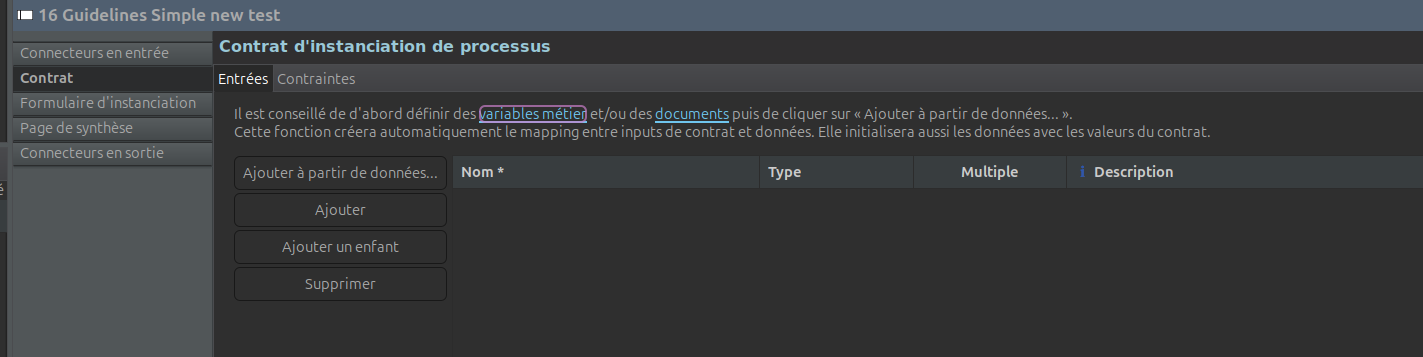
then the instantiation form must not return any value, otherwise an error will occur.
Let’s take a (very) simple example of creating an instantiation form, step by step. The form includes an entry to fill in, which would be the reporter, and an entry to fill in the working document. So, for the first entry, we’d have something like this:
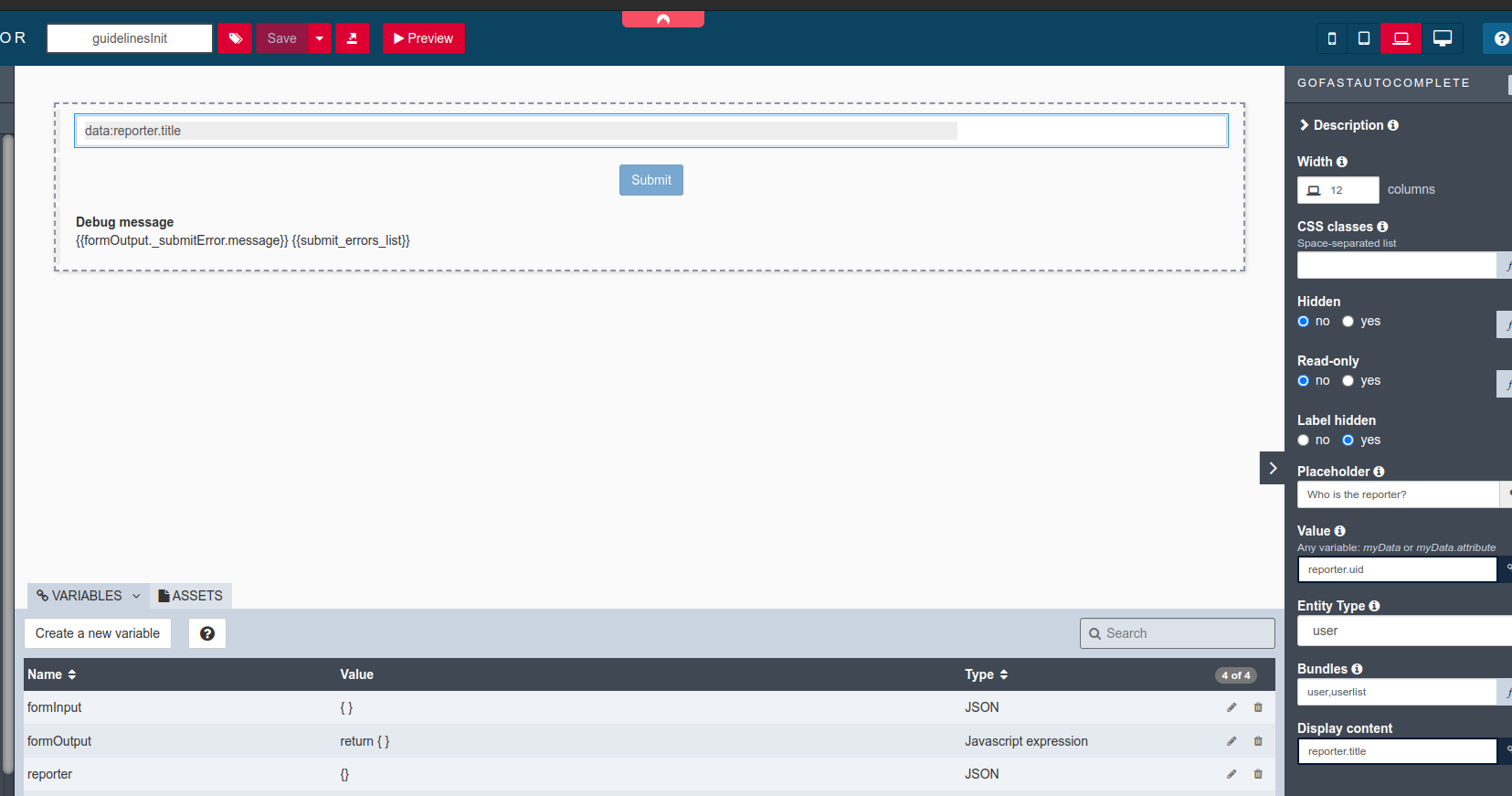
We put “user,userlist” in Bundles so that it also takes user lists.
Note also that I’ve added a “reporter” variable to match the widget’s value to this variable.
For the document we do something similar:
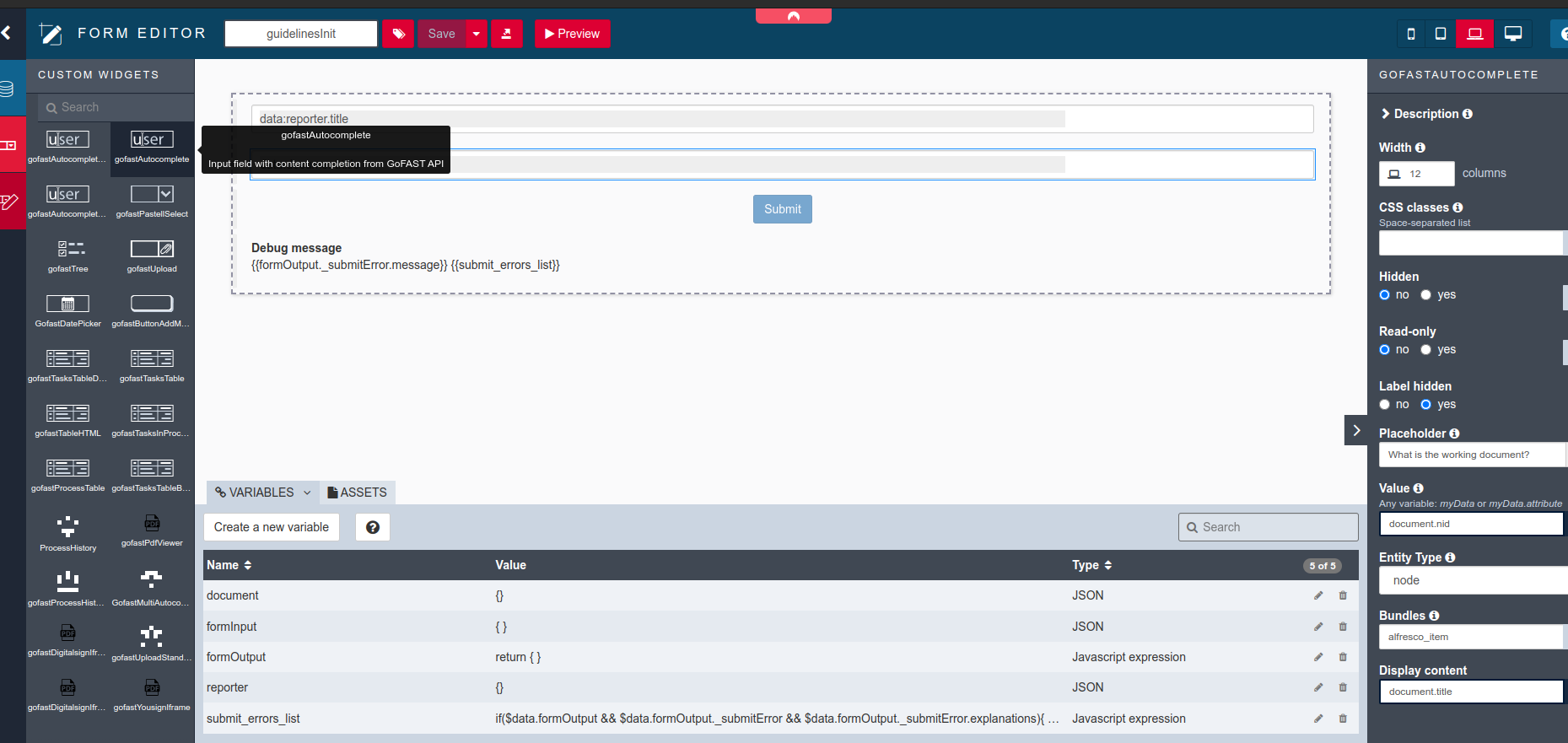
You can adapt the form to your needs, for example by setting up a redirection URL after the form has been sent:
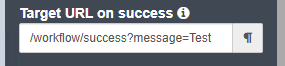
or by implementing a validation logic.
Modify the formOutput variable so that the form actually returns something:
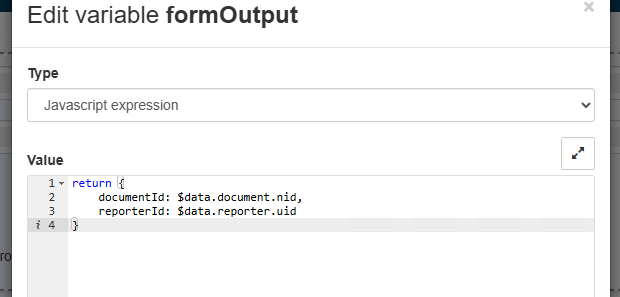
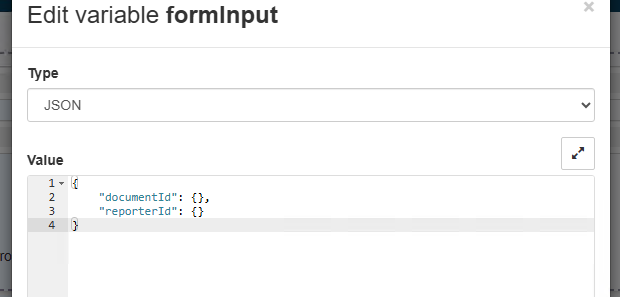
formInput must also specify the output structure:
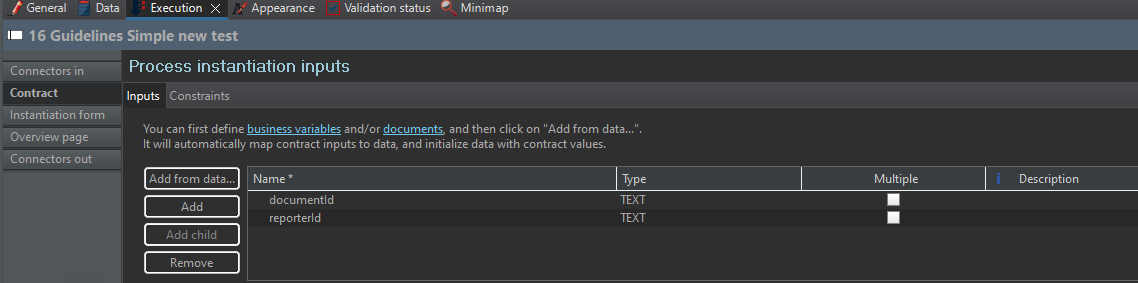
Add to contract :
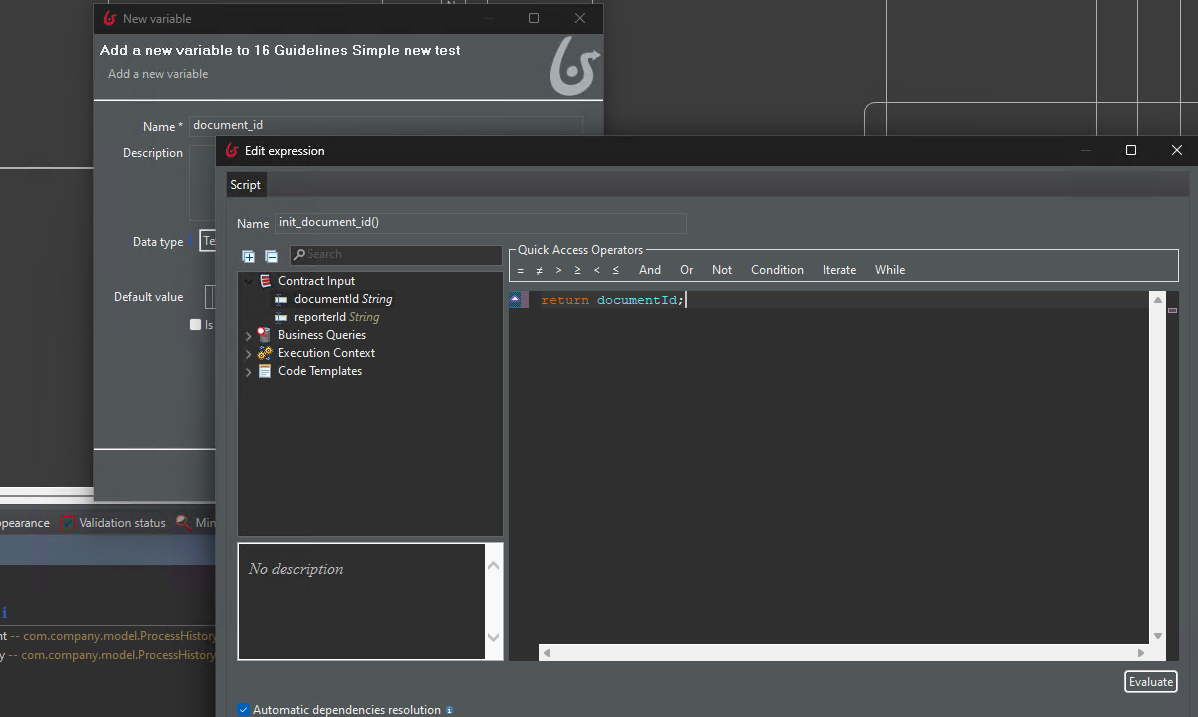
Finally, persist the values in a process variable :
Task assignment
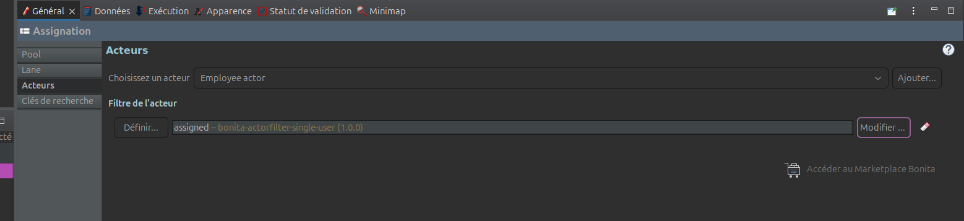
By default, the actor should be associated with all platform users (this is the “Users” group in GoFAST). Next, we add an actor filter so that the task’s assignee is filtered to be a user among all those mapped to the actor.
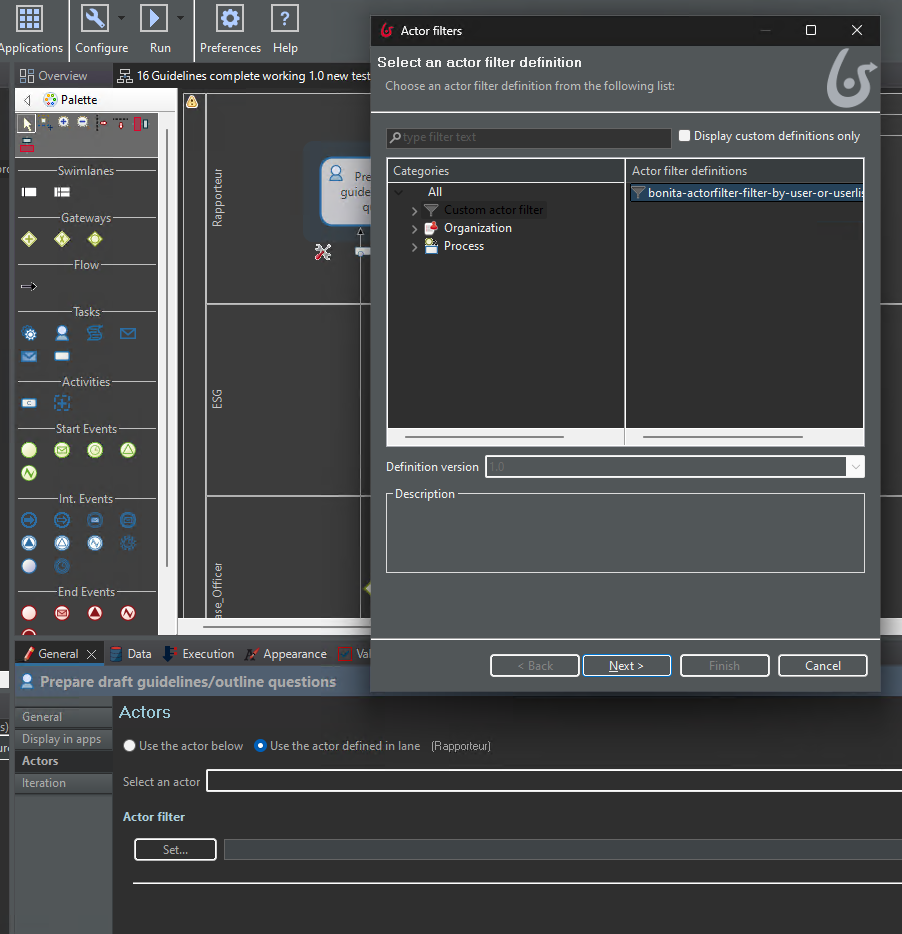
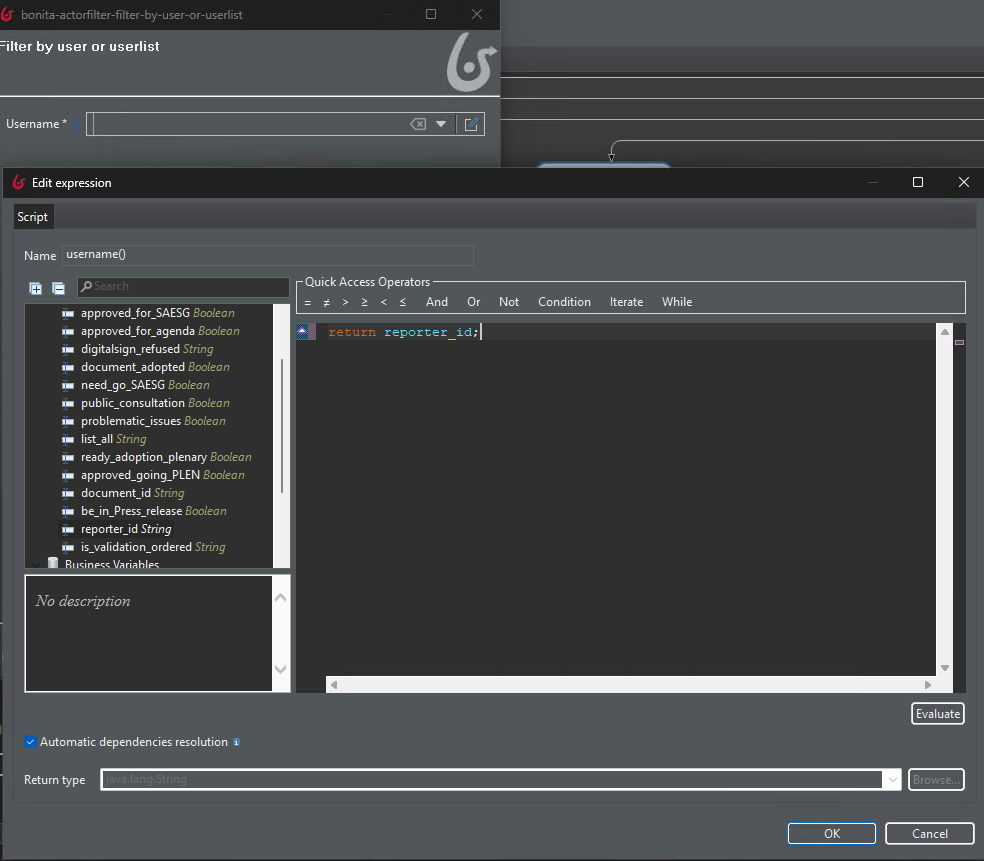
We indicate the variable containing the name of the assignee when it requests the user name:
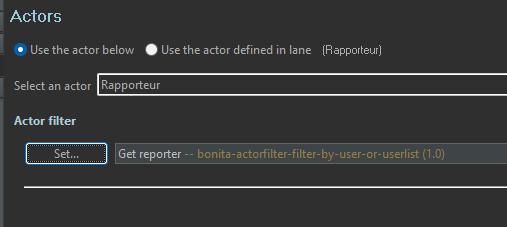
And finally Bonita is asked to use the actor filter (“Use the actor below”):
It is also possible to forcibly reassign a task via our Rest API extension updateActorsOfUserTask
Sub-process
The sub-process is useful when we have the same logic (e.g. human task, then history update, then mailing) to trigger with different initial values.
Let’s take a look at this example:
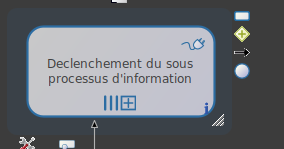
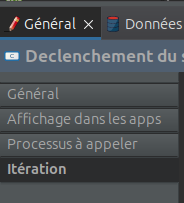
in the “Iteration” sub-tab:
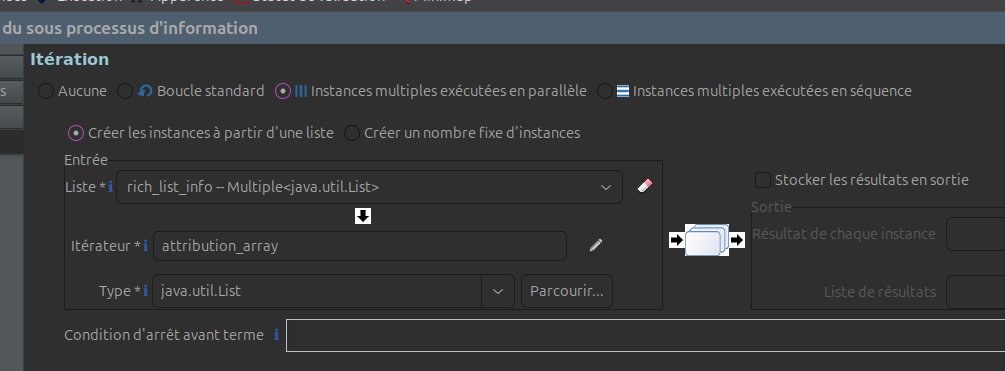
we ask it to execute all sub-processes in parallel (but we could have asked for a sequence). And for each element in the “rich_list_info” pool variable, 1 sub-process will be created:
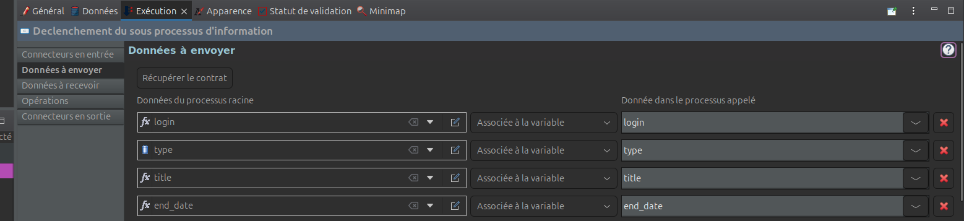
the data to be sent to the sub-process is defined in the execution tab :
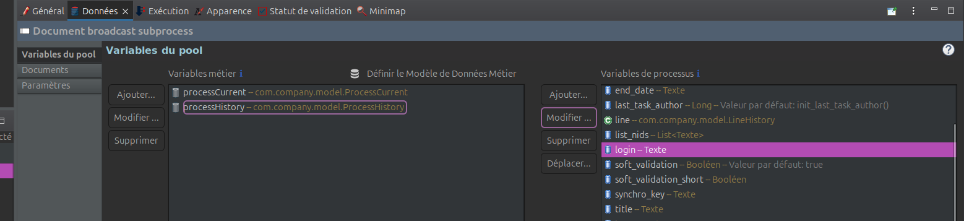
so that all corresponding variables in the sub-process are defined :
In the sub-process, an actor filter is used to define the assignee according to the injected login:
Connectors
Edit document metadata
Coming soon
Send notification email
Coming soon
Widgets
Widget: autocomplete
Possible types: node, user.
Possible bundles: alfresco_item (node), user and userlist (user). Bundles must be separated by commas.
Widget: preview PDF
Often used in conjunction with the standard tab widget :
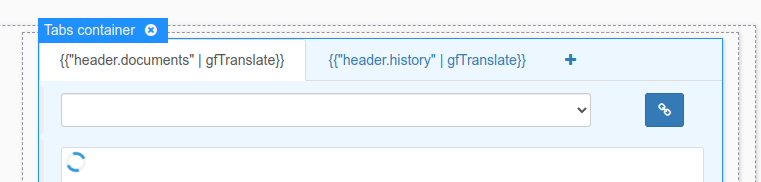
the PDF preview widget is called gofastPdfViewer :
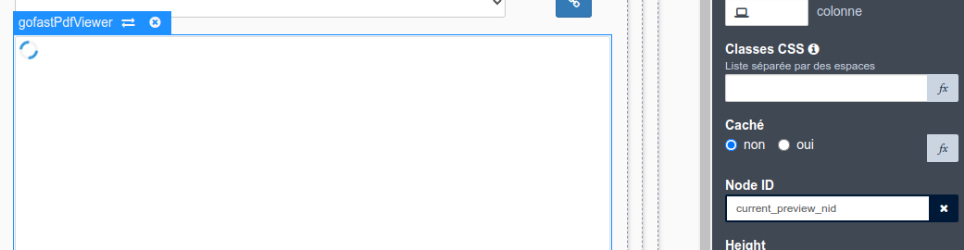
and all you have to do is enter the node ID (the document ID on GoFAST) for it to do its job.
The node ID can be retrieved from process variables, for example, by defining an “External API” variable in the form, which would call the Bonita API dedicated to retrieving process variables.

then the value can be processed in a “Javascript Expression” type variable:

in which the variable used by the widget is assigned :

REST API extensions
Coming soon